

How to manage fundraising goals on stream
Setting up the fundraising widget and the goal block on your donation page
Viewers always enjoy supporting a favourite streamer. But it is even better when they know the donation will go towards something that really matters — maybe even towards making the streamer's dream come true.
Setting up the fundraising widget
We hope you have already read our guide How to show a goal bar on stream and know that the fundraising widget and the goal block on your donation page are directly linked. To start editing, open the streamer dashboard, go to the Widgets tab and click the Fundraising widget card.
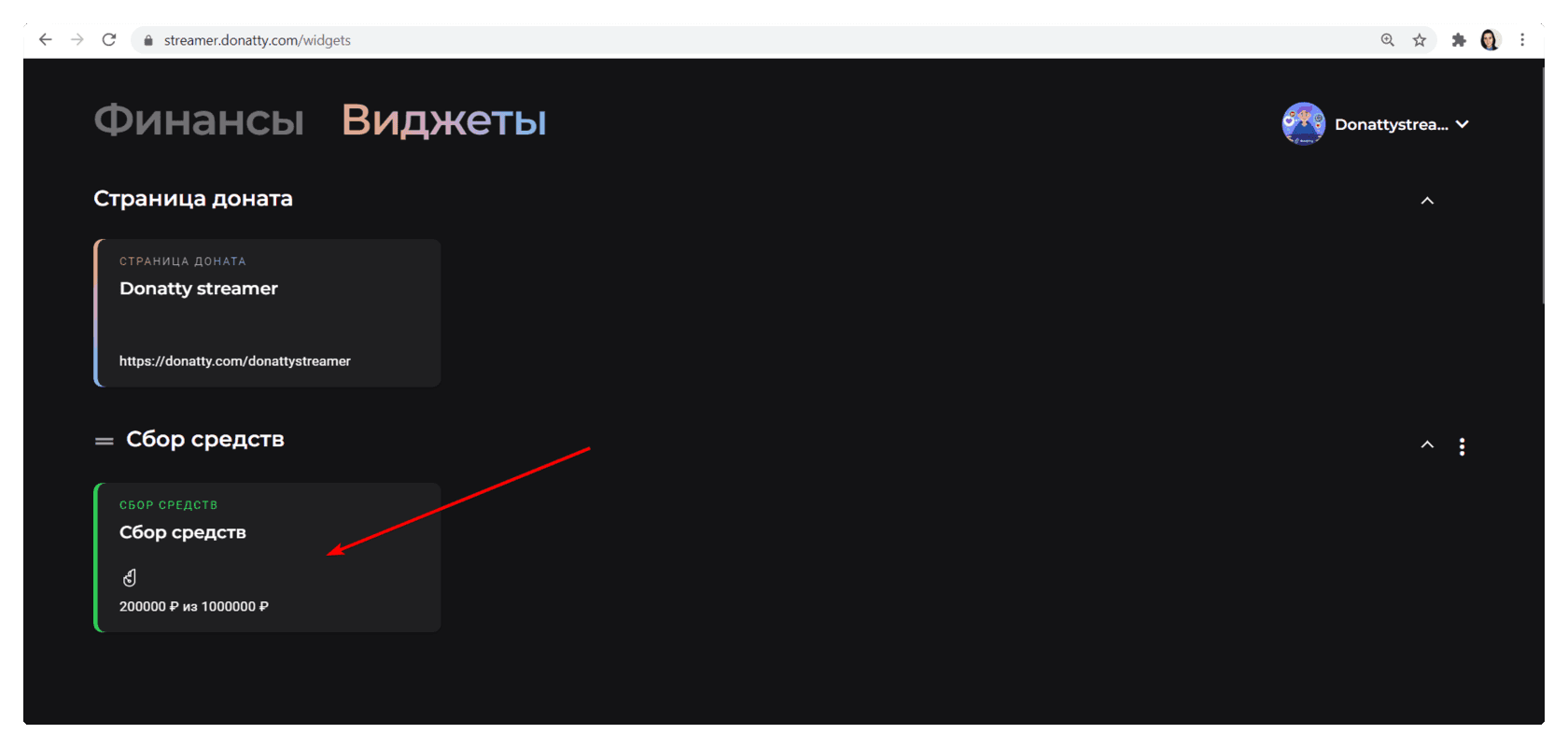
On the widget settings page you can change its appearance (the style, colour and shape of the bar, the text and the font). But only one setting affects the goal block on your donation page: the widget's heading text. Whatever you write in that field becomes the heading of your fundraising widget, and once the widget is added to your streaming software it is also shown as the goal on your donation page.
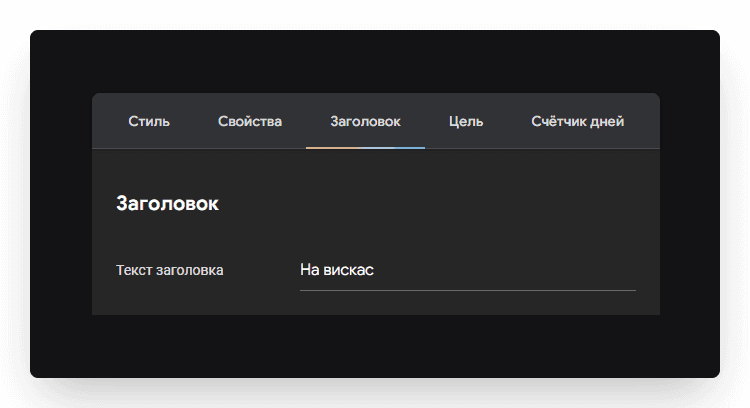
Controlling the visibility of the widget and the goal on your donation page
Important: the donation goal selector only appears on your donation page once the fundraising widget has been added to OBS.
If you want the goal bar hidden on stream but the goal block still present on your donation page, just turn off that source's visibility (the “eye” icon) in OBS.
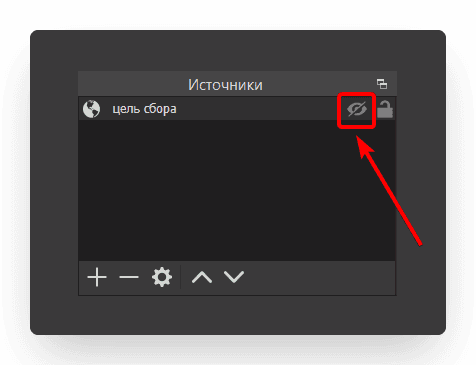
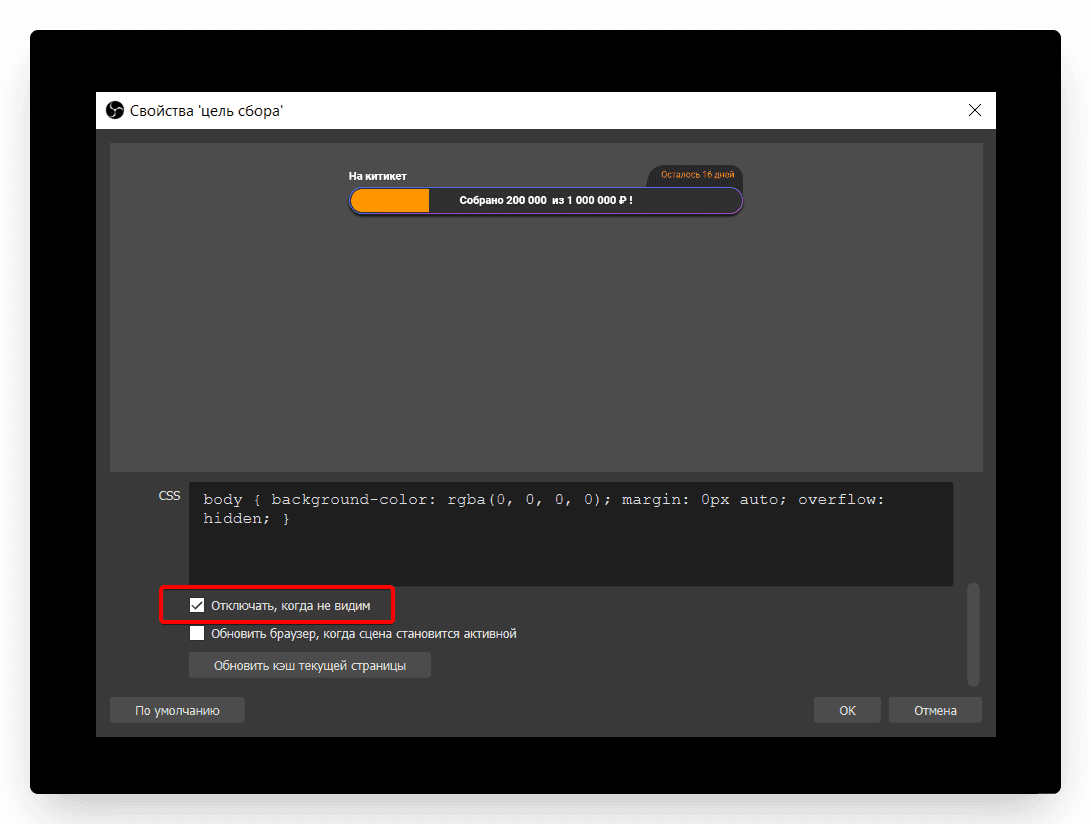
Once the fundraiser is over, there are two ways to remove the goal from your donation page:
delete the widget from OBS;
hide it in the OBS settings. To do that, tick Shutdown source when not visible in the source properties. Also click the “eye” icon so the goal bar is not shown on stream (if you have not done that already).
Several fundraising goals on one donation page
If you only have one fundraising goal, it is selected by default for every donation.

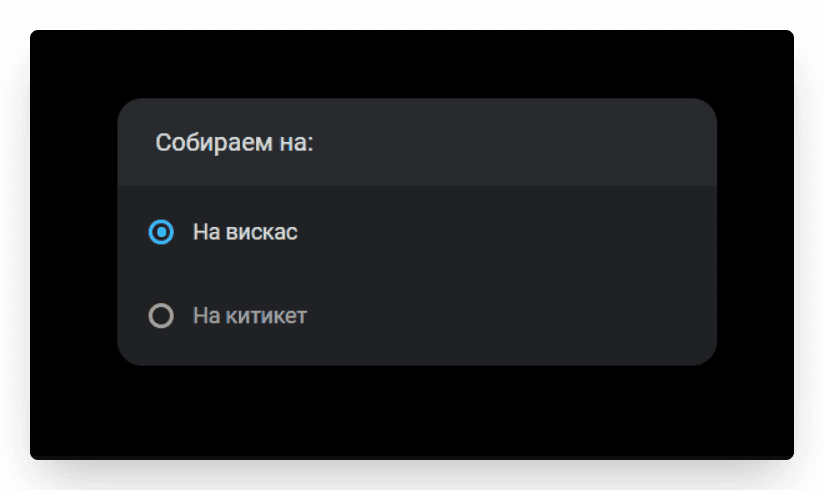
If, however, you create several goal widgets and add them to your stream, the goal block on your donation page will let the donor choose which goal to support.
Inspiring viewers to give and creating friendly competition with the top donors widget on stream
Adding the Goal widget to your stream: creating the widget, styling the bar, adding it to OBS
