

ALERT BOX WIDGET

Every time viewers tip or subscribe to you, an animated alert pops up on the stream. It encourages viewers to tip and works as a kind of moral reward for their contribution.
Alerts build relationships
Engaging with the audience matters to a streamer who wants a lasting community. Tip and subscription alerts let streamers get to know the most loyal and active part of that community.
They reward viewers with attention
On-stream alerts are often the main reason someone tips at all. By sending money, a tipper wants to catch the streamer’s attention and stand out among the other viewers. That is exactly why tip alerts matter so much.
They let viewers talk to you
Tippers talk to the streamer through their tips to express how they feel, using the messages attached to a tip. Once the tip alert widget is installed, those messages are seen not only by the streamer but by every other viewer too.

Tip message voiceover
Any alert on your stream can be read out loud: tips, channel subscriptions or sponsorships. We use great voices from Yandex and Google.
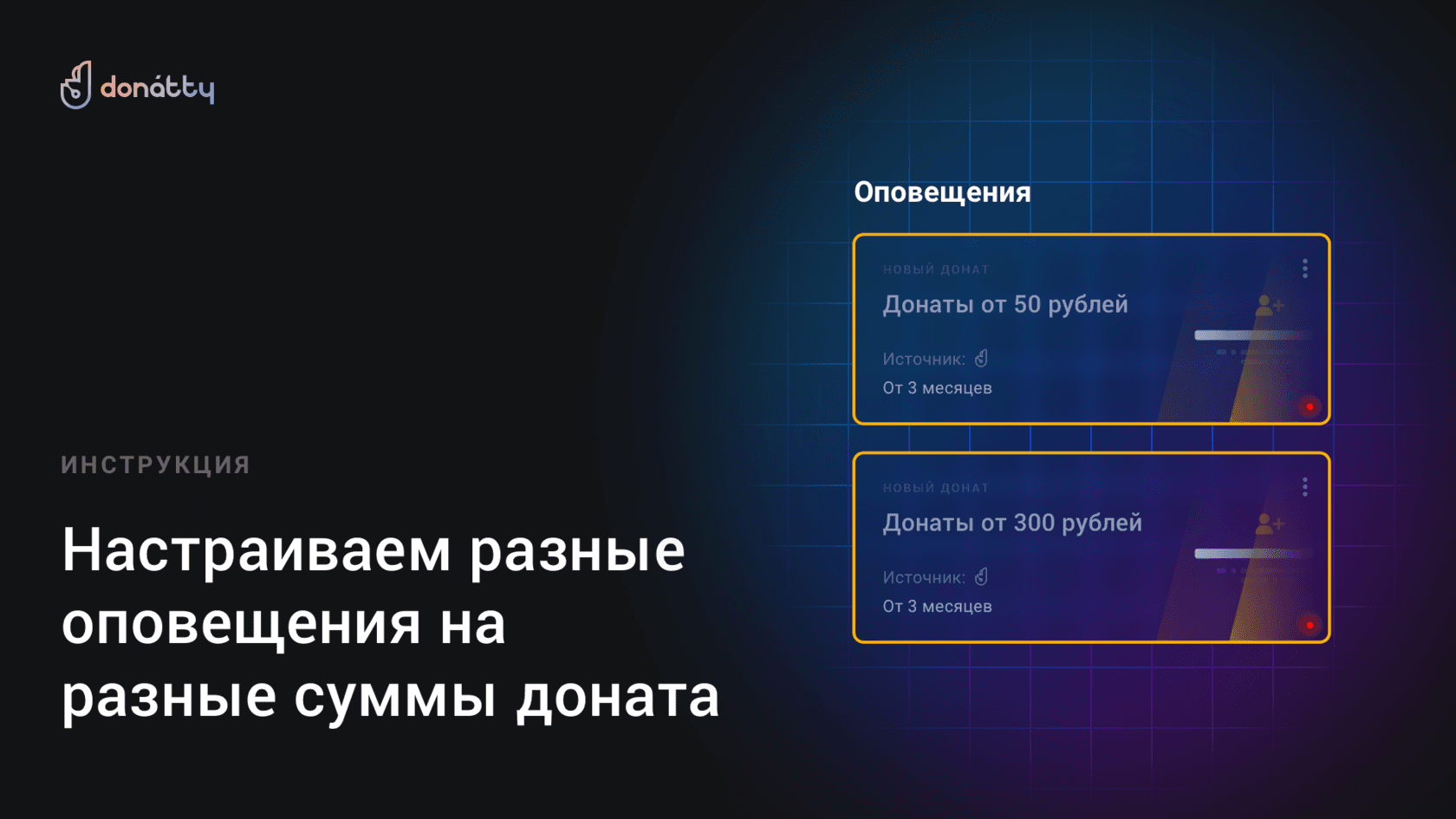
Tip alerts can be set up to appear only when the tip amount meets a condition. For example, over 100 roubles.


You can insert several alert widgets into OBS with a single link by grouping them. Alerts inside a group are shown one after another and never get in each other’s way.
The tip alert widget is highly customizable: you can control the position of the elements, their colors and even their transparency.


Any alert can have an automatic profanity filter and a bad word filter switched on. The list of bad words is configured with templates, regexp (regular expressions) or simply as a list.
You can also pick a funny replacement for bad words — “capybara”, for instance.

Sign up for Donatty from your computer

Go to Widgets – Notifications and copy the widget link

Paste the link into OBS via Menu – Source – Browser
