

TIP MODERATION


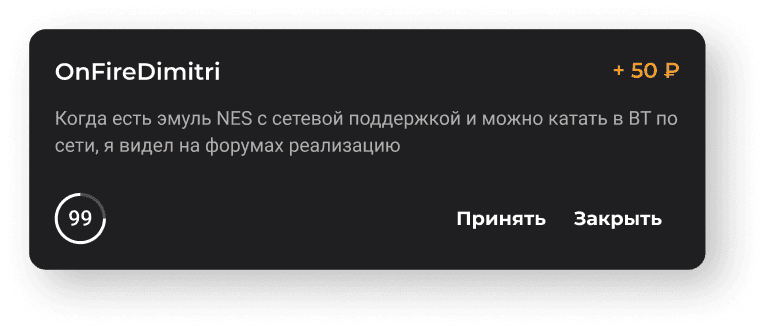
Set a timer for reviewing a tip and decide what happens when the timer runs out. The tip can either be shown on stream automatically or rejected automatically.


Donatty can moderate with AI in two modes: profanity, and compliance with platform rules. Let the neural network check tips for you.
Deciding whether to show a tip alert is easy: a dedicated notification appears in the operations list. Donatty can also send a browser push and play a special sound.


Control playback from your phone, your computer or a dock panel in OBS
Switch to the Pro plan and enjoy a 5% fee on tips, faster withdrawals and other extra features for professional streamers.
More about pricing


▶

Check not only the text, but also the videos viewers attach to their tips.

Don’t reject the whole tip — just replace the unwanted words with harmless equivalents or symbols.

The AI recognizes and checks tips in different languages — even when viewers write in transliteration or mix Cyrillic with Latin.

You can find out why the AI rejected a tip notification by hovering over a special icon in the transaction list.
A guide to setting up the media widget
The media widget lets viewers send videos along with a tip, and lets the streamer put them on stream and control playback in a convenient way.
Read more →
How to set up tip moderation
Pre-moderation exists so that tips are not sent to the on-stream alert automatically, but are checked first.
Read more →
