

How to add a donation page link to your Trovo channel description
Placing your donation page link on Trovo so viewers cannot miss it
For viewers to be able to send you a donation, they need to spot the link to it in your Trovo profile.
Copying the donation page link
First we need to copy the link. In the streamer dashboard, open the Widgets tab and click the Donation page widget.
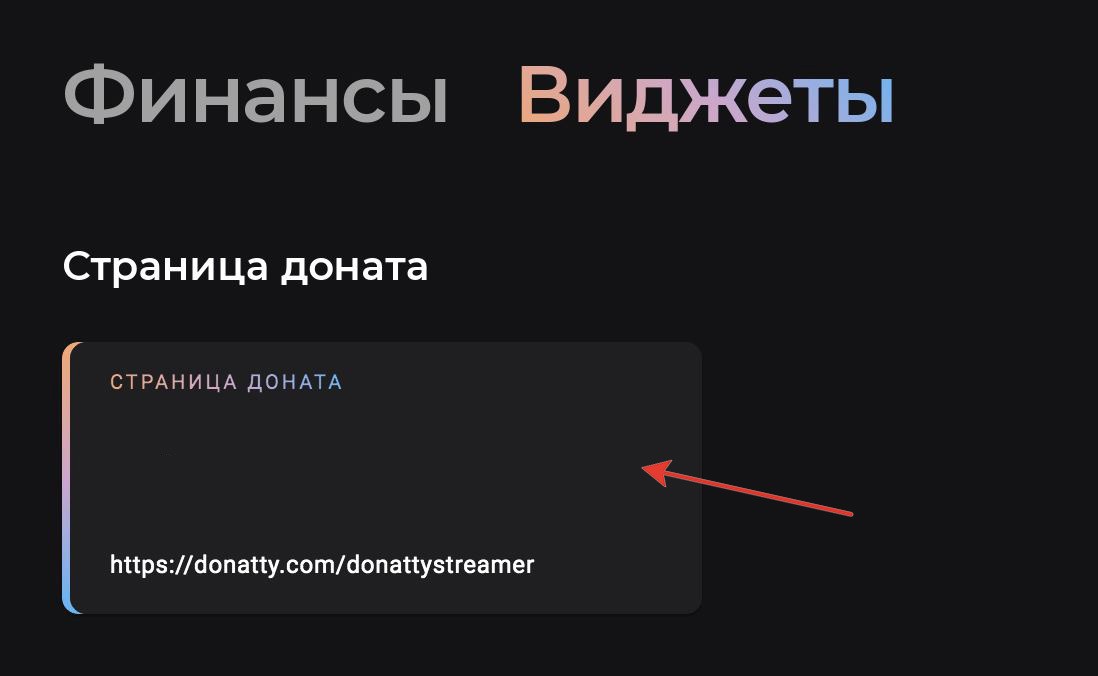
In the panel at the top left you will find the link to your donation page; you can copy it by clicking the icon to the right of it.

We hope that by the time you add the link to your channel description you have already read our guide on setting up the donation page and personalised it.
Adding the link in Trovo
Go to Trovo, open your streamer space and click Panel-room in the left column.
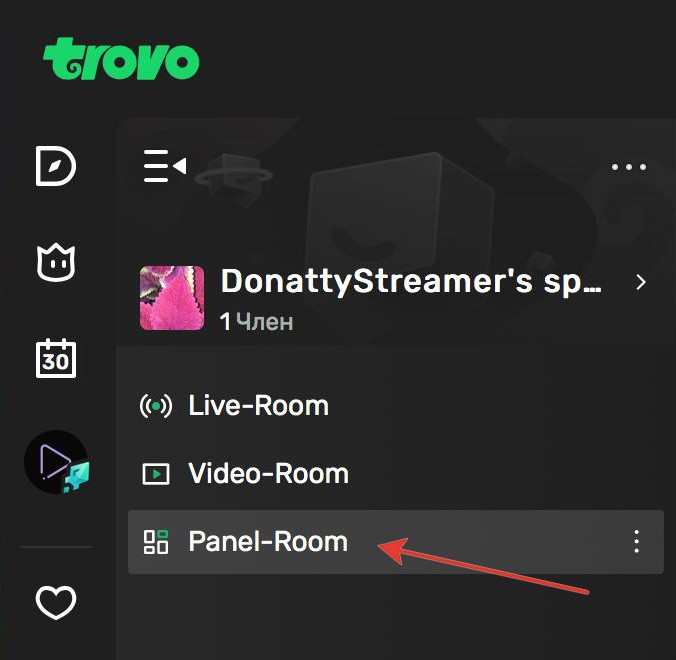
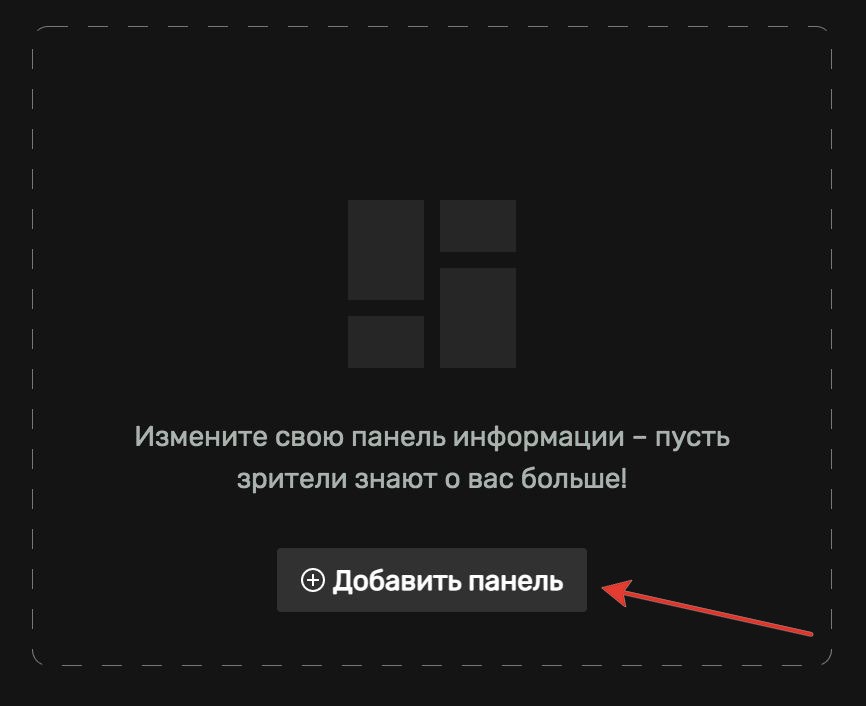
If you have not added any panels yet, add one with the Add panel button. If you already have panels, you can edit them by clicking the edit icon.
In the window on the right, Trovo offers you a choice of several panels. To add a Donatty link, the Text panel is the one we want.

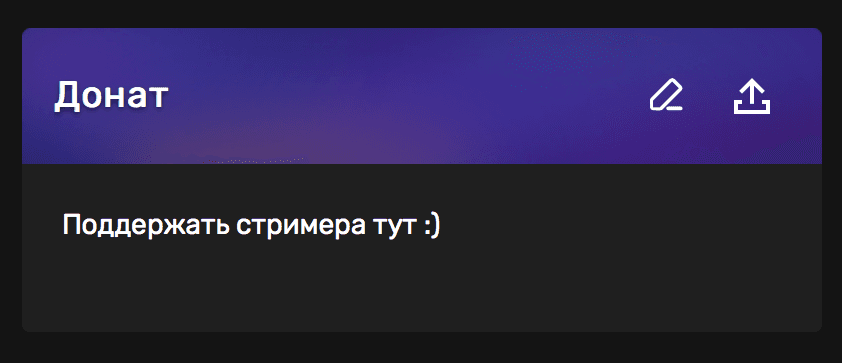
Choose size S. In the Title field, write a name for your panel, for example “Donate”, “Support me” and so on. In the Edit content field, write whatever text you like — clicking it will open your donation page. In the Text link to field, paste the Donatty link you copied earlier.

We also recommend placing panels like this under your live stream and published videos, so viewers can always find the Donatty link easily.
Setting up your streamer page in Donatty: avatar, cover, URL and more
Setting up your streamer page in Donatty: writing the text of the welcome block
