

How to complete identity verification
Verifying your identity so you can withdraw funds
When you register with Donatty, we create a dedicated account for you in our system. It is a little like a bank account, but with a number of limits and particularities. To provide you with our services, we have to know who owns that account and what they are receiving money for. These are requirements of Russian law. So before you can withdraw funds, you must tell us who you are and how you collect donations. Let's walk through how to do that.
Important: before completing verification you can already receive donations from your viewers, but the maximum balance on your account is capped at 15,000 roubles. After verification it rises to 60,000 roubles.
In the Finance section, find the Balance card and click the Verify button:
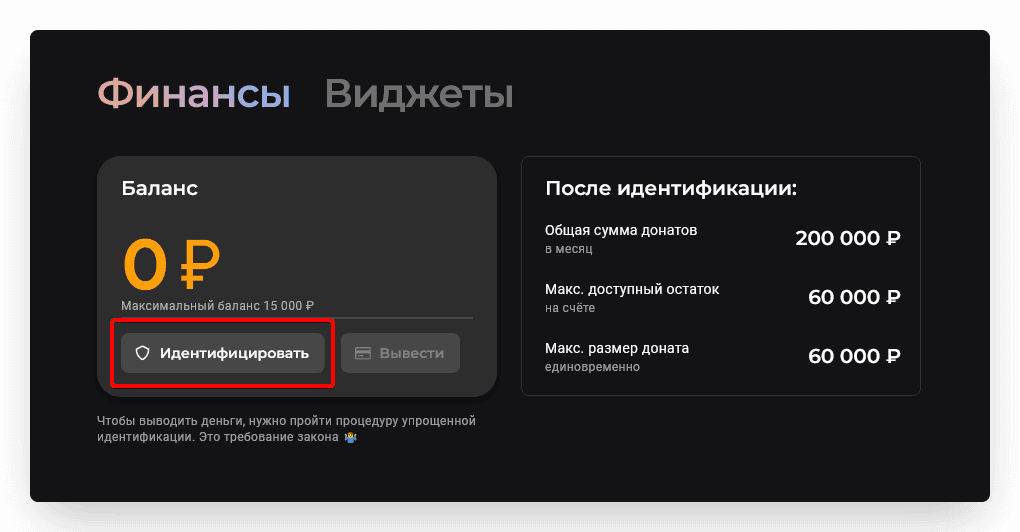
You are now on the verification page. The procedure has three short steps.
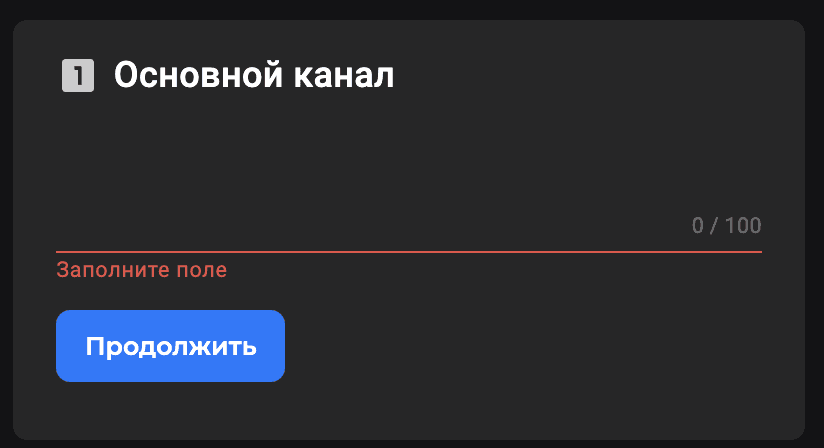
A link to your channel
Give us the main channel (link) where you stream or publish content. It can be a Twitch or YouTube channel, or a profile on any social network. Give us your most visited channel so we can get a sense of the scale of your audience :)
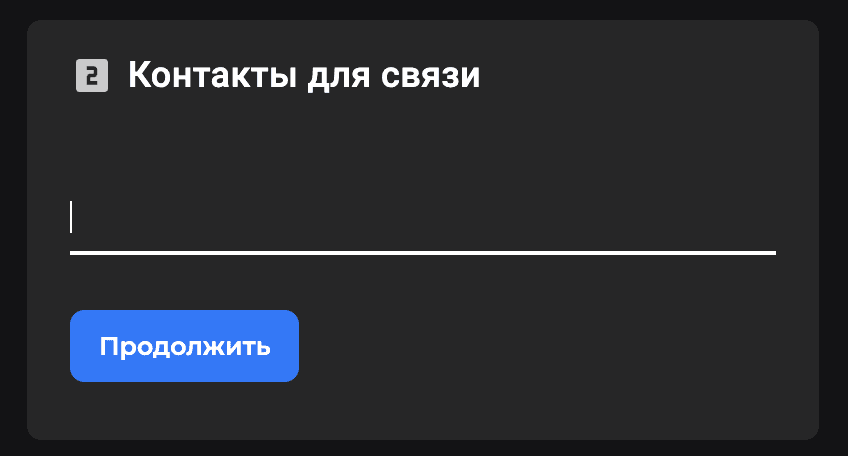
Contact details
At this step you need to tell us how to get in touch with you. Sometimes we need it to check something or to flag a problem. We know that many streamers are not keen on talking to their audience in direct messages, so writing to your public social accounts is not much use. That is why a direct contact matters so much to us. It can be a private social media profile, a messenger, or anything else. What matters is that when we write there, you can reply.
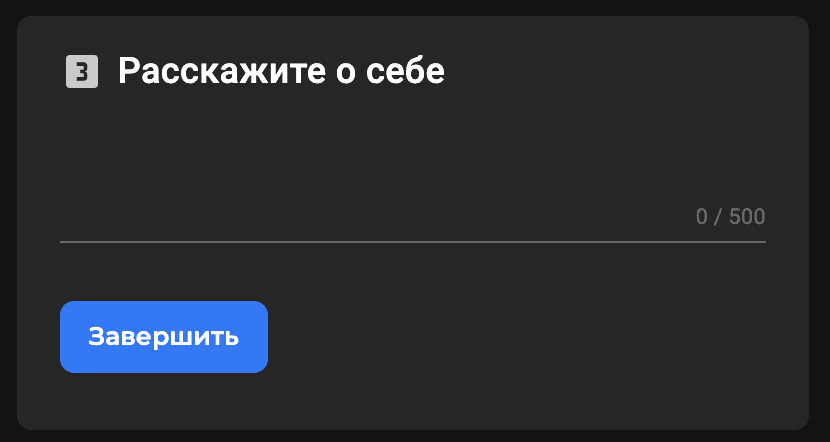
A little about yourself
This is optional, but it helps us work things out if your case is unusual — for example, if you do not have a main channel, or if there is something confusing about it. Or you can just say hello to us in this field.
That is very nearly the whole verification procedure. This is enough for us to make a decision. Once the review is complete, the Balance card in the Finance section changes and an active Withdraw funds button appears on it:
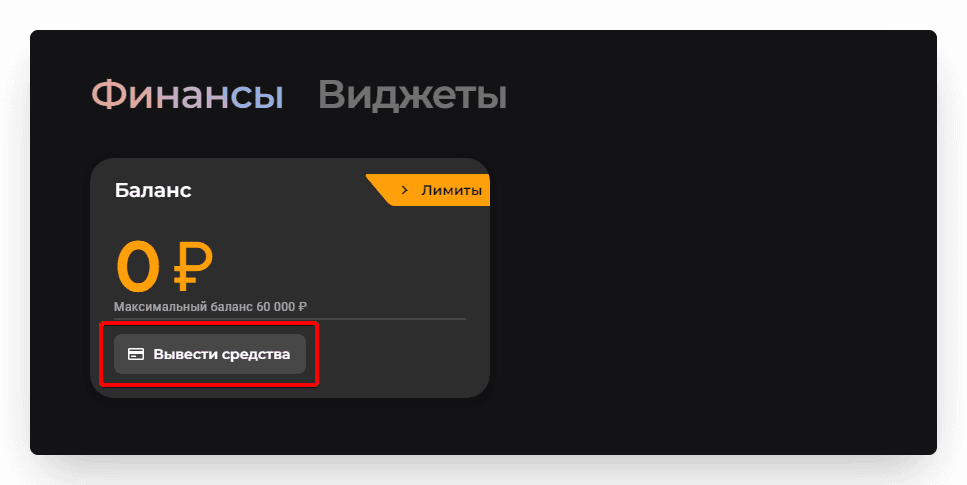
Congratulations! You can now withdraw funds!
Important: we do not store your personal data. We check your account and then delete the data.
