

How to set up a donation button on your RUTUBE channel
Setting up a RUTUBE button that opens your donation page when clicked
So that your viewers can support you easily through donations, you can set up a donation button on RUTUBE that leads to your Donatty page. In this guide we show how to add it to your channel interface quickly and simply, with step-by-step screenshots.
Setting up the donation button in RUTUBE Studio
First, sign in to your RUTUBE account. We assume you have already created and personalised your Donatty donation page by following our guide to setting up the donation page.
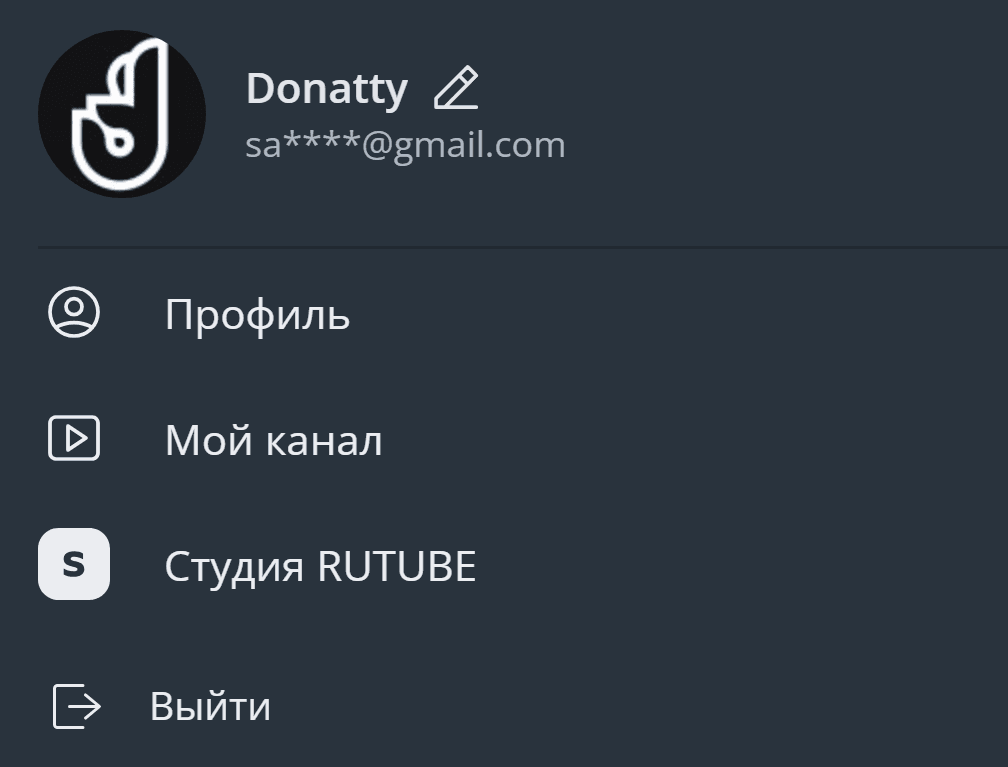
Click your avatar in the top right corner of any RUTUBE page. In the drop-down menu, choose RUTUBE Studio.
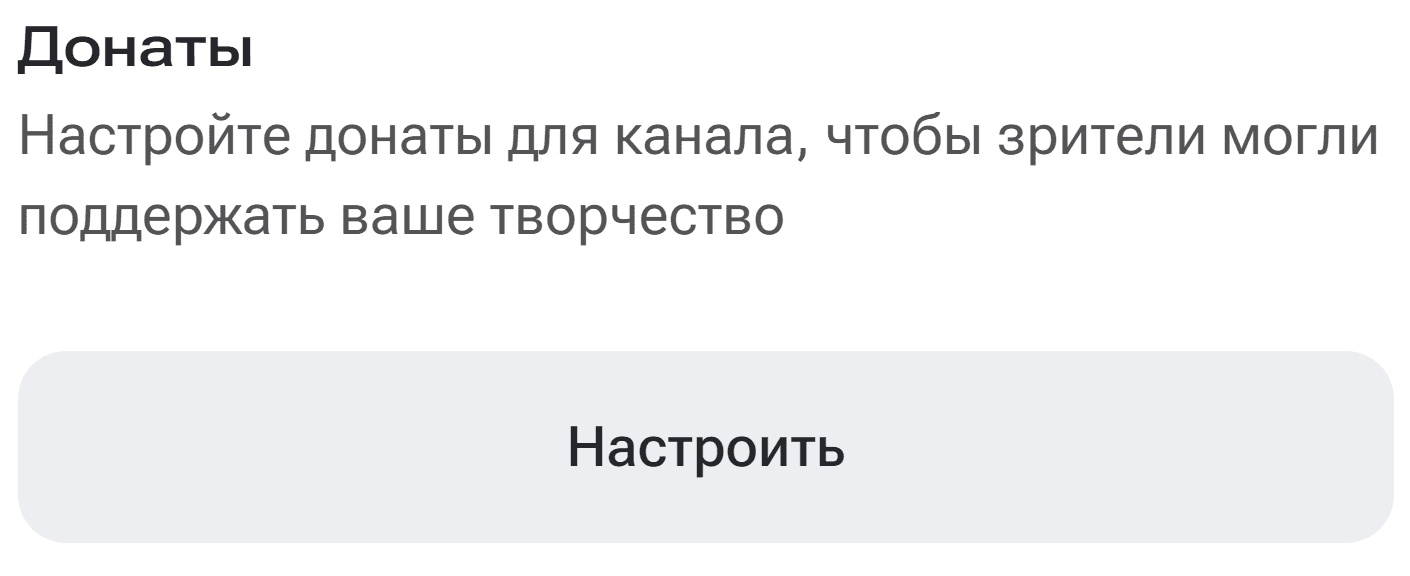
On the RUTUBE Studio home page, find the Donations section and click the Configure button.
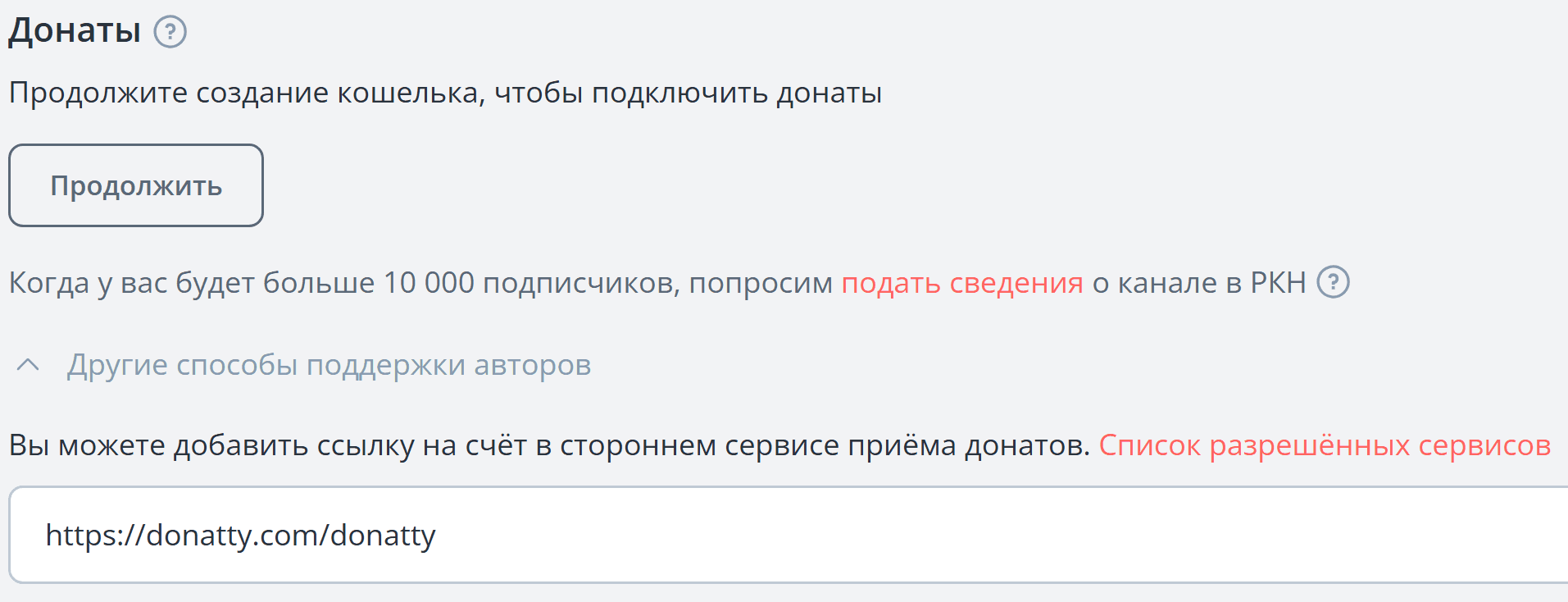
On the page that opens, choose the Other ways to support creators option. Paste the copied link to your Donatty donation page into the field that appears.
To get the link, open the Donatty streamer dashboard, go to the Widgets tab, select the donation page card and copy the link in the window that opens.
Scroll to the bottom of the page and click Save.
Once set up, it is important to make sure the donation button works correctly:
Open your channel page on RUTUBE.
Sign out of your account through the menu in the top right corner, or open the channel page in another browser where you are not signed in. Find the Support button and click it to confirm that it leads to your Donatty donation page.

Make sure your Donatty page is set up and styled to match your look. That helps viewers get to know you and builds their trust. If you want the button to stand out more, you can use ready-made Donatty banners, available on our site in the Branding and logos section. Download the banners as .png, or as .psd to edit them in Adobe Photoshop, or use them as they are.
Setting up your streamer page in Donatty: avatar, cover, URL and more
Setting up your streamer page in Donatty: writing the text of the welcome block
